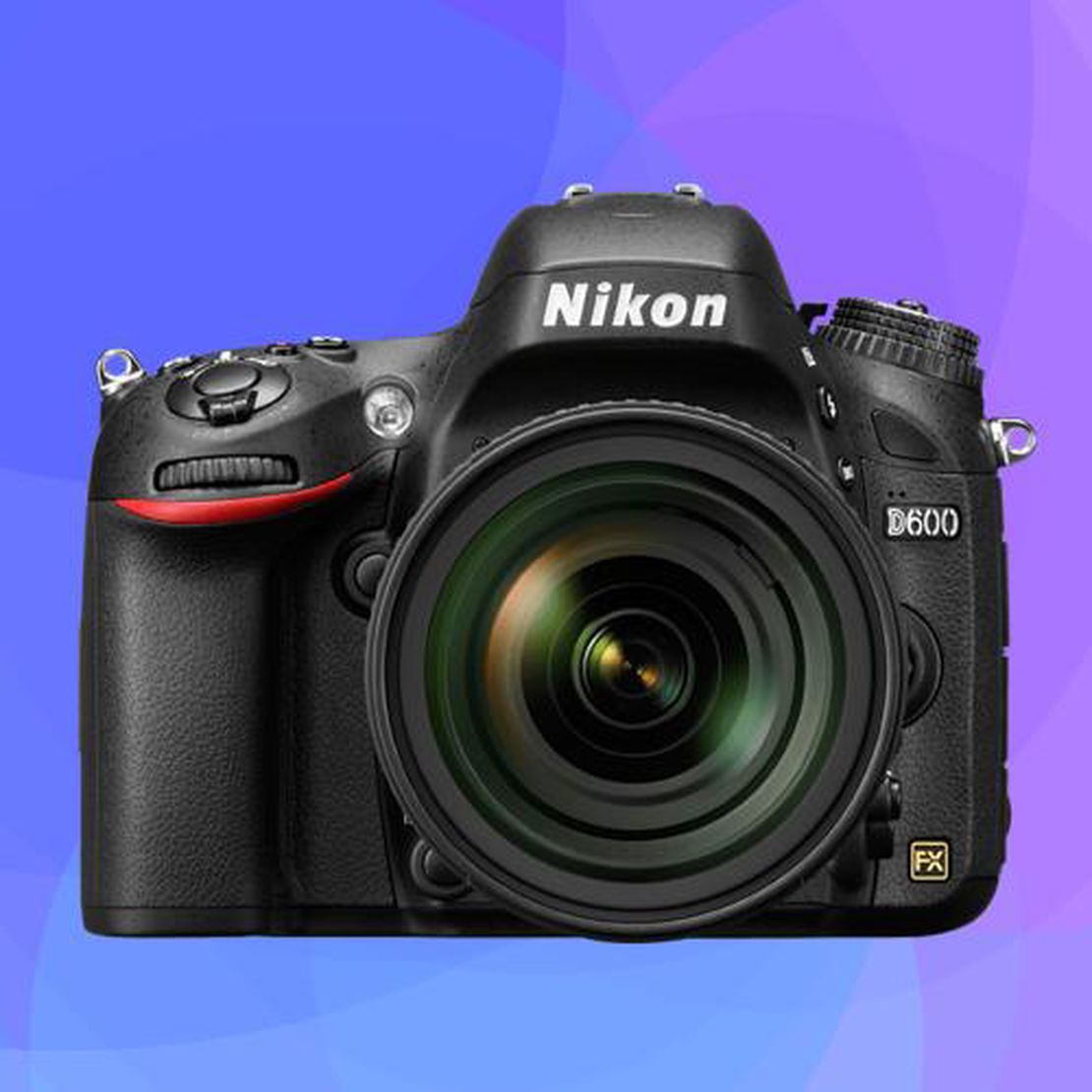
The Smart Shooter’s Guide to Nikon D600 SD Cards (Best Value vs. Performance)
- Nathaniel Stephan
- June 10, 2025
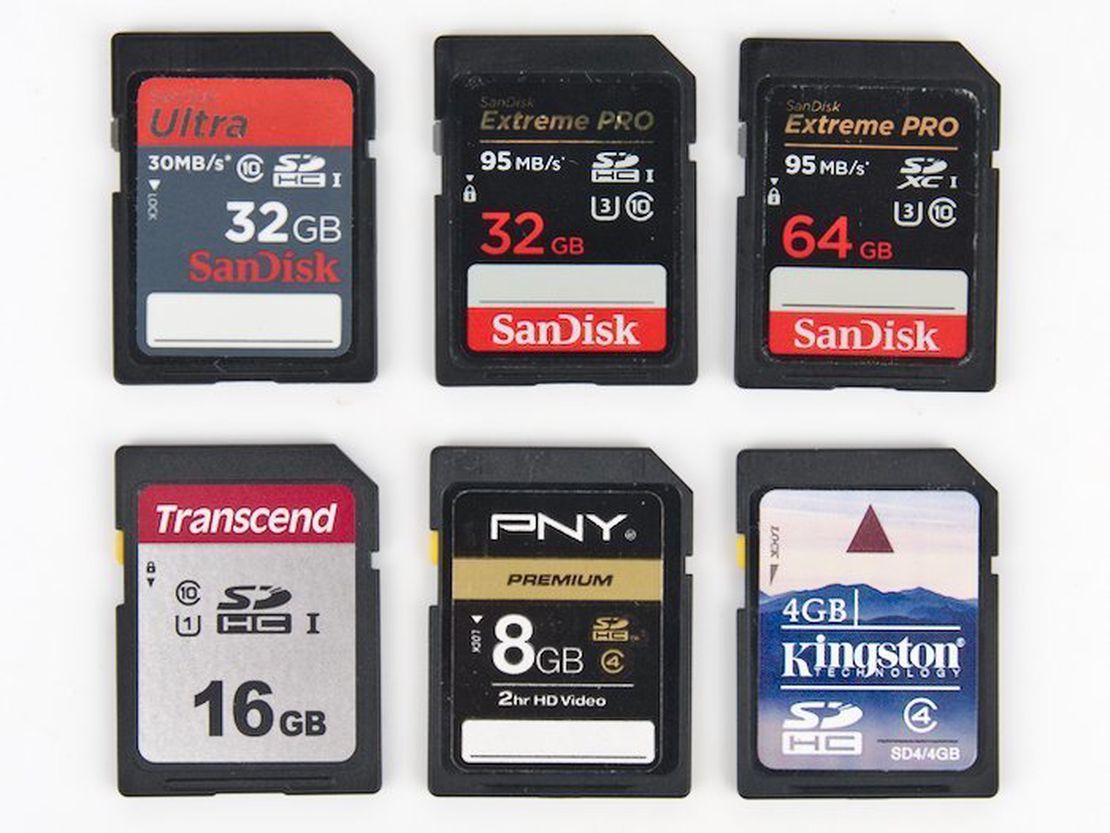
Table of Contents
The Nikon D600 uses SD memory cards. It works with cards up to 2TB in size.
This camera came out in 2012. It is still a great camera, but memory cards have improved a lot since then.
Any UHS-I SD card is fast enough for this camera. A 128GB card is a great size to buy. This size works well with many other devices, too.
My Nikon D600 Lens Recommendations
Top SD Card Choices
Almost any new memory card will work well for photos and videos. Do not spend extra money on a super fast card because the D600 cannot save files that quickly.
Buying a fancy UHS-II card is a waste of money. It will work in the camera, but you will not get any speed boost. Also, avoid buying used memory cards because you cannot tell how old or worn out they are.
Affiliate Advertising Disclosure
Outside the Shot is a participant in the Amazon Services LLC Associates Program, an affiliate advertising program designed to provide a means for sites to earn advertising fees by advertising and linking to Amazon.com. As an eBay Partner, I may be compensated if you make a purchase. I also participate in affiliate advertising programs with KEH, and WEX Photo Video. More can be found on the Affiliate Disclosure page.
Lexar Professional 128GB SD Card
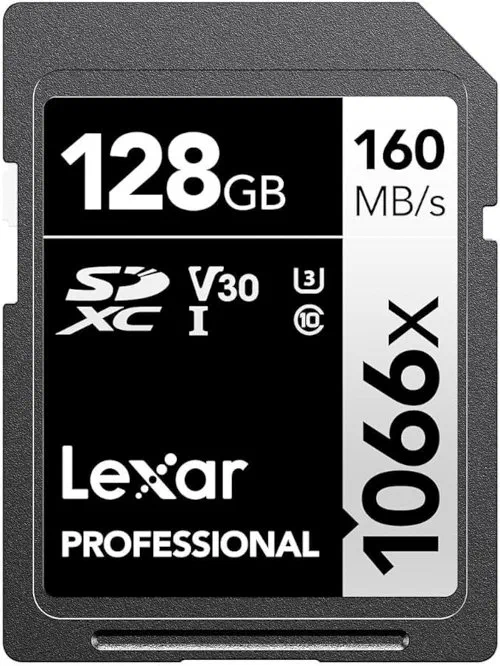
- Has UHS-I, U3, and V30 speed ratings with steady 30MB/s write speeds.
- Great choice for taking regular photos.
- Fast enough to record smooth video.
- You can buy bigger sizes if you need more space.
See current price and information:
SanDisk Ultra 64GB SD Card
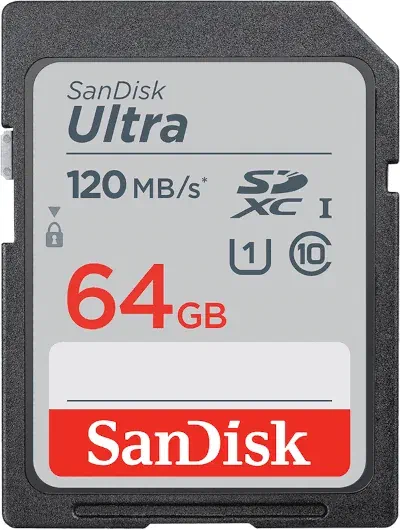
- Has UHS-I, U1, and Class 10 speed ratings with 10MB/s write speeds.
- A fine option for taking standard pictures.
- Works great for standard HD video.
- Low cost with plenty of speed for basic shooting.
- Comes in larger sizes for a low price.
See current price and information:
PNY Elite-X 128GB Card
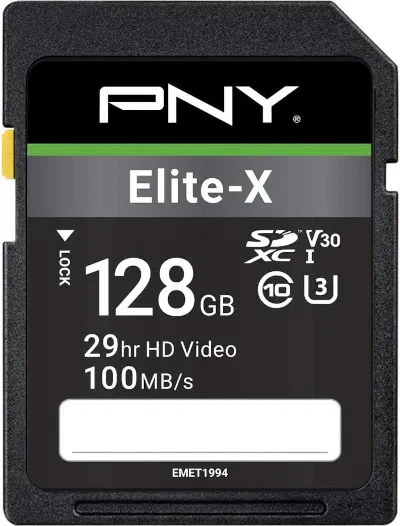
- Rated UHS-I, U3, V30, and Class 10 with 30MB/s write speeds.
- Good for taking quick action shots in a row.
- Available in larger storage sizes.
- Tough design that resists water, drops, magnets, and heat.
See current price and information:
SanDisk Extreme PRO 128GB Card
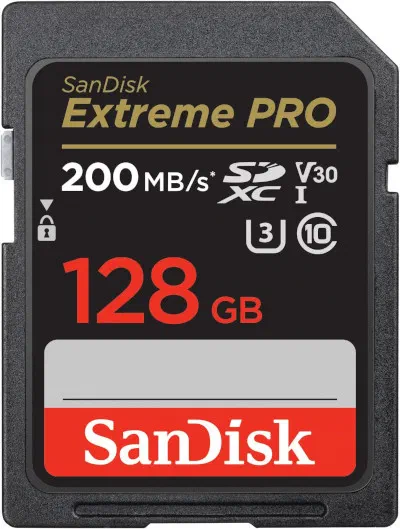
- Costs more money because it reads files very fast.
- Has UHS-I, U3, V30, and Class 10 ratings with 30MB/s write speeds.
- Best for serious shooters or anyone needing huge amounts of space.
- Protects your pictures from water, drops, heat, and X-rays.
See current price and information:
Pick a Card Reader with a Cable
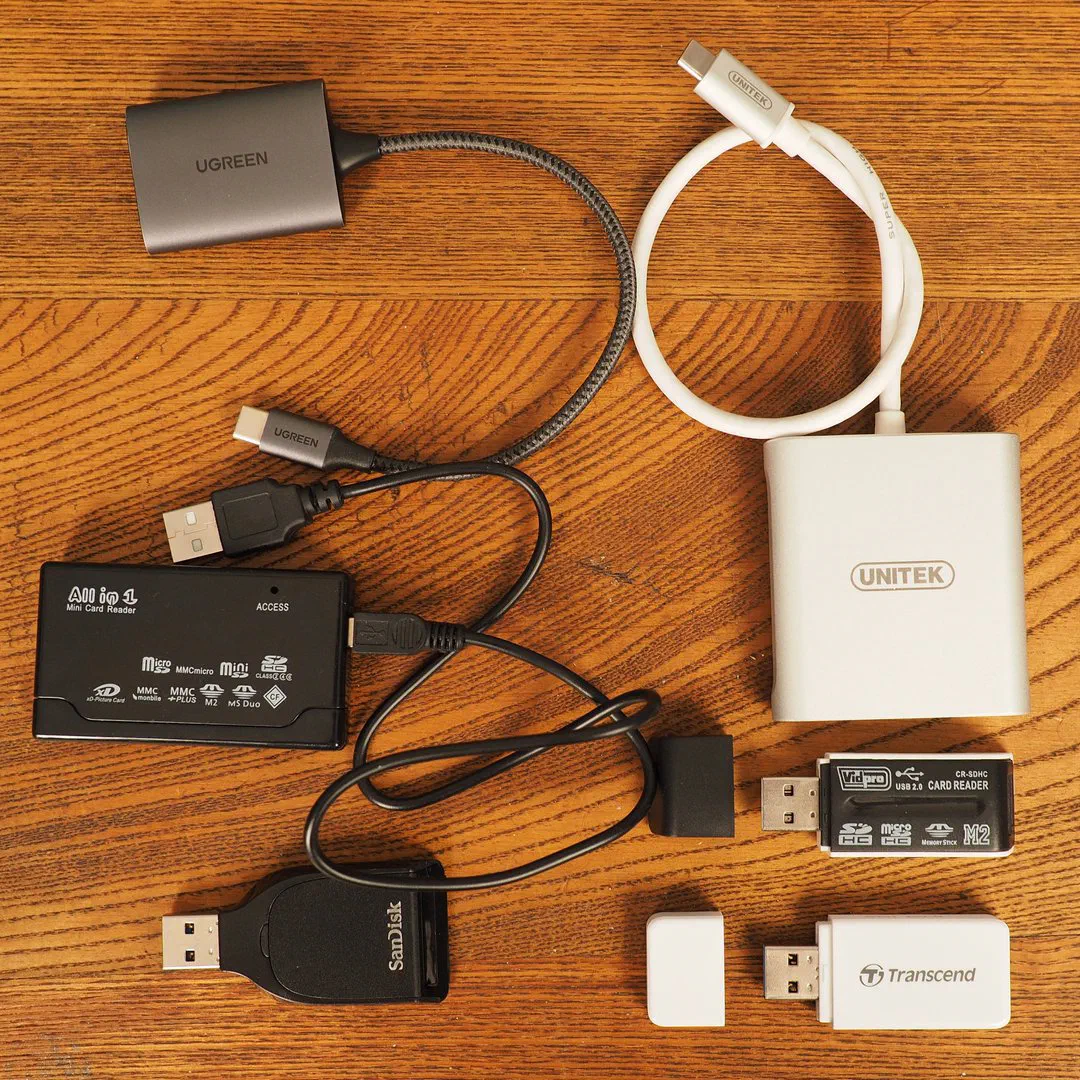
Future proof features:
- USB-C 3.1 or 3.2
- UHS-II Compatible
- Has a Tail
It’s super annoying when a card reader blocks other ports. They can also be built-in multi-port dongles or be able to read multiple types of memory cards.
Multi-card readers can do newer memory cards like CFExpress. If you’re into older cameras, a USB 2.0 26-in-1 memory card reader might be for you.
- Memory Stick (Sony)
- xD (Olympus)
- CompactFlash (Old Nikon, Canon, Pentax)
Nikon D600 SD Card Compatibility
The Nikon D600 is compatible with the SD, SDHC, and SDXC standards.
Check to make sure the camera has the latest firmware.
The newest SDUC cards will not work with the D600. They are too large.
- SD (Secure Digital) - 128MB to 2GB.
- SDHC (Secure Digital High Capacity) - 4GB to 32GB.
- SDXC (Secure Digital eXtended Capacity) - 64GB to 2TB.
- SDUC (Secure Digital Ultra Capacity) - 4TB to 128TB.
Using Two Memory Card Slots
Do You Need Two Cards Installed?
No, your D600 works fine with just one card.
If you use two cards, you can set them up in three ways:
- Backup Mode. The camera saves identical copies of every picture on both cards.
- Extra Space Mode. When the first card fills up, the camera starts saving on the second card.
- File Split Mode. The camera saves high quality RAW files to one card and smaller JPEG files to the second card.
Must the Memory Cards Match?
No, you can use two different cards.
Using two matching cards is still a good idea. If one card is slow, it can slow down the whole camera while saving pictures.
How Many Photos Fit on a Card
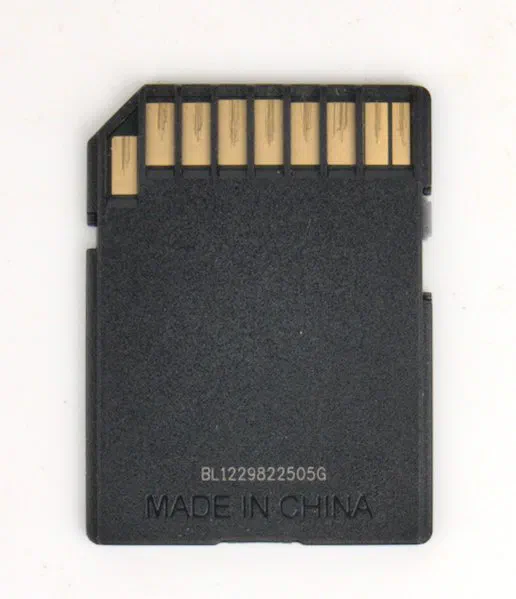
Here’s the approximate image capacity for high-quality JPEGs from the 24.3 megapixel sensor:
- 32GB - 3,980
- 64GB - 7,960
- 128GB - 15,920
- 256GB - 31,840
- 512GB - 63,680
Understanding Speed Classes
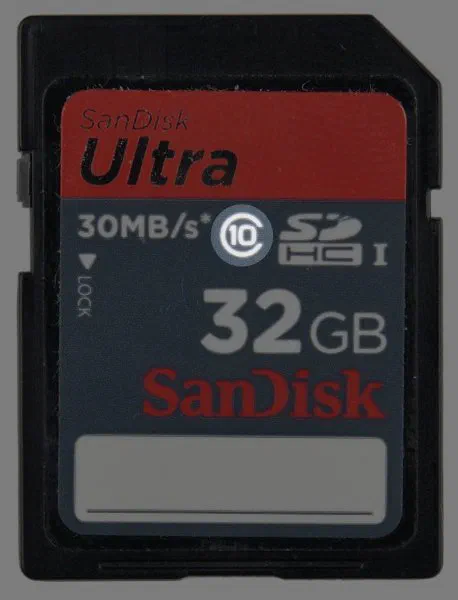
Class rating is determined by sustained write speed. The rating will be shown as a number inside of a C on the label.
For example, as card that could write data at 5MB/s would get a Class 4 rating.
Class 10 card are likely much faster than 10MB/s. That’s why there are additional ratings for high resolution video.
- Class 2 - 2MB/s
- Class 4 - 4MB/s
- Class 6 - 6MB/s
- Class 8 - 8MB/s
- Class 10 - 10MB/s or faster
Ultra High Speed Cards Explained
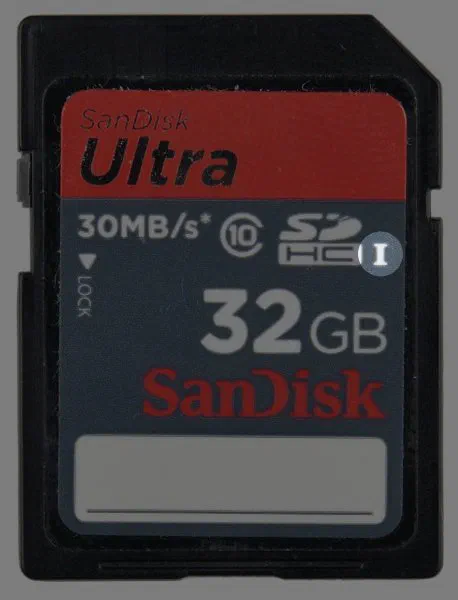
Do not spend extra money on a UHS-II card. The D600 cannot use that extra speed.
The three types of Ultra High Speed (UHS) cards offer different speed levels.
You can see the speed type marked on the front of the card with a Roman numeral I, II, or III.
- UHS-I Top speed of 104 MB/s
- UHS-II Top speed of 312 MB/s
- UHS-III Top speed of 624 MB/s